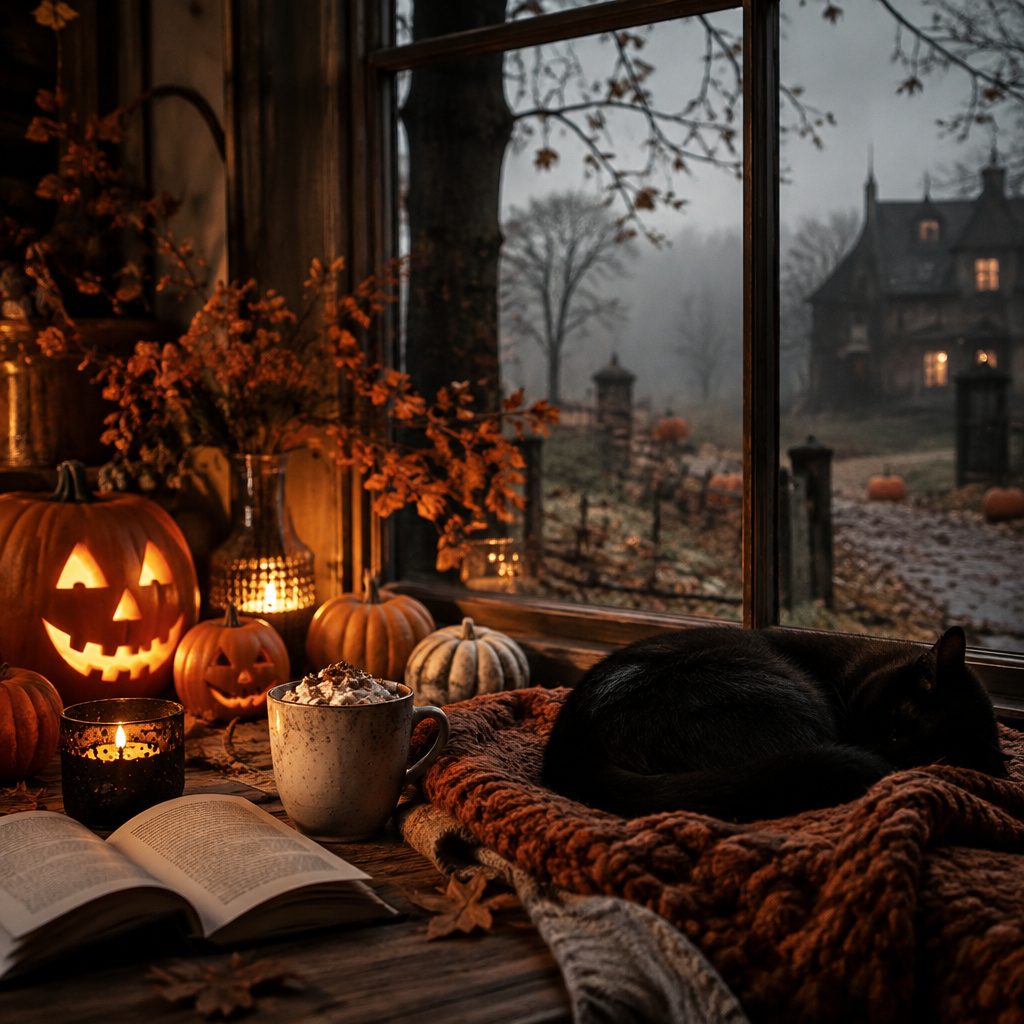
Spooky vibes look best when they fit your screen perfectly. Pick a style that matches your mood and your icons.
1. Moonlit Witchy Silhouettes
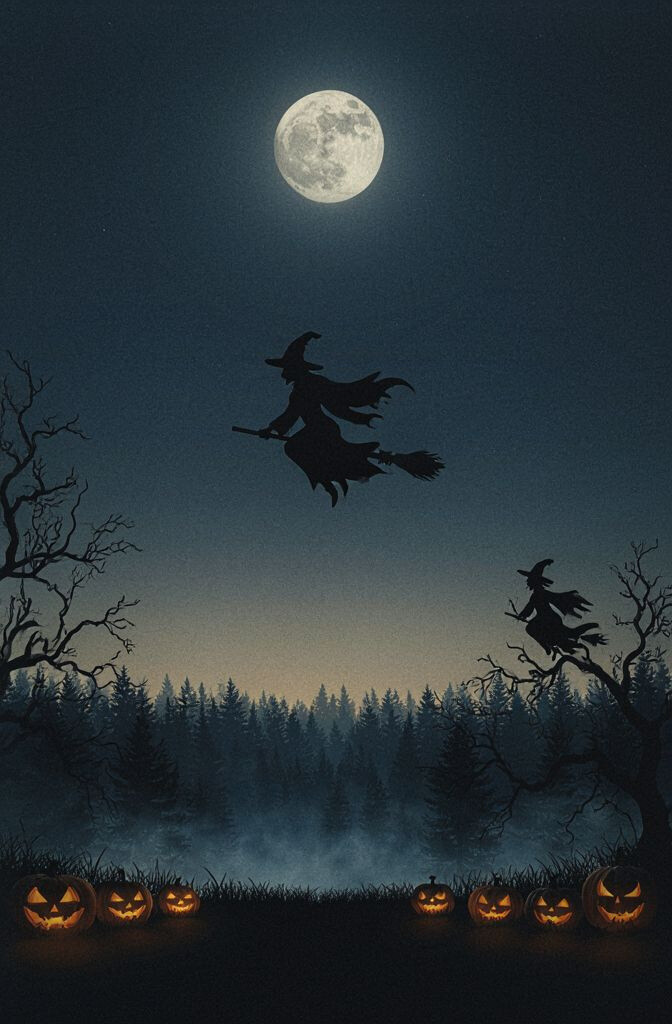
Picture a dark night sky with a witch silhouette standing against a glowing full moon. The contrast makes your icons pop without feeling too bright.
This aesthetic feels classic, cozy, and a little mysterious. Choose a version where the moon sits near the top so notifications don’t clash with it. For personalization, add a subtle gradient overlay behind your app grid to keep the whole screen readable.
2. Candy Corn Minimalism
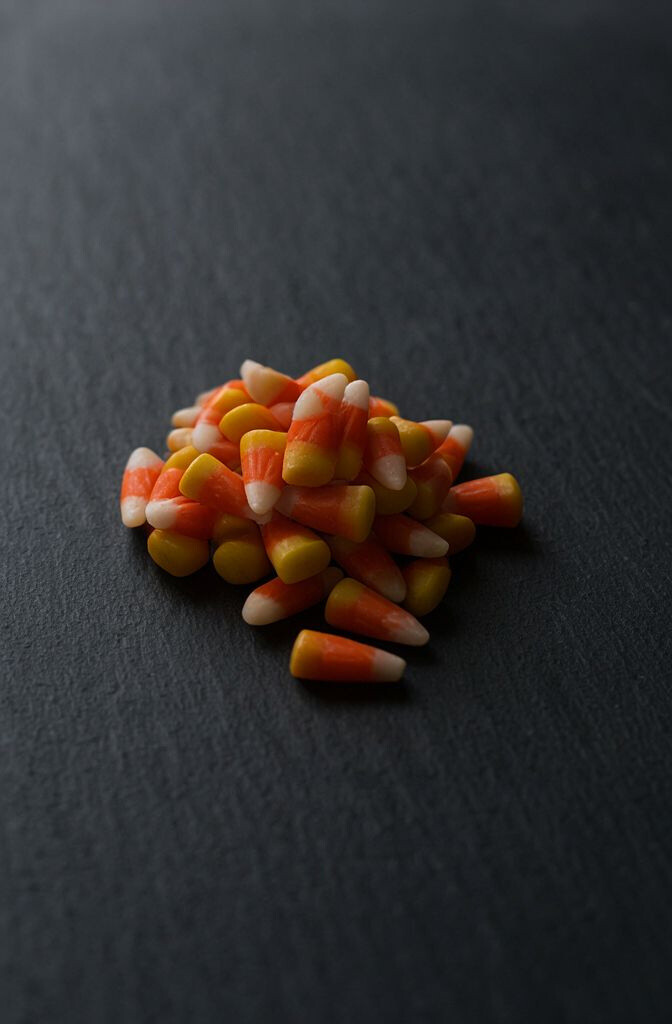
Think clean stripes of orange, cream, and yellow like candy corn, but arranged in a modern way. It gives Halloween energy while staying tidy on a phone or tablet.
The benefit is simplicity: fewer busy details means easier icon reading. Try matching the wallpaper tones with your theme colors so the home screen feels intentionally designed. For cost, you can use free vector packs and export them at your exact screen size.
Uniqueness comes from using negative space, like leaving a calm center area for your clock widget. This style is trending because it looks “Halloween” without shouting.
3. Vintage Haunted Library Pages
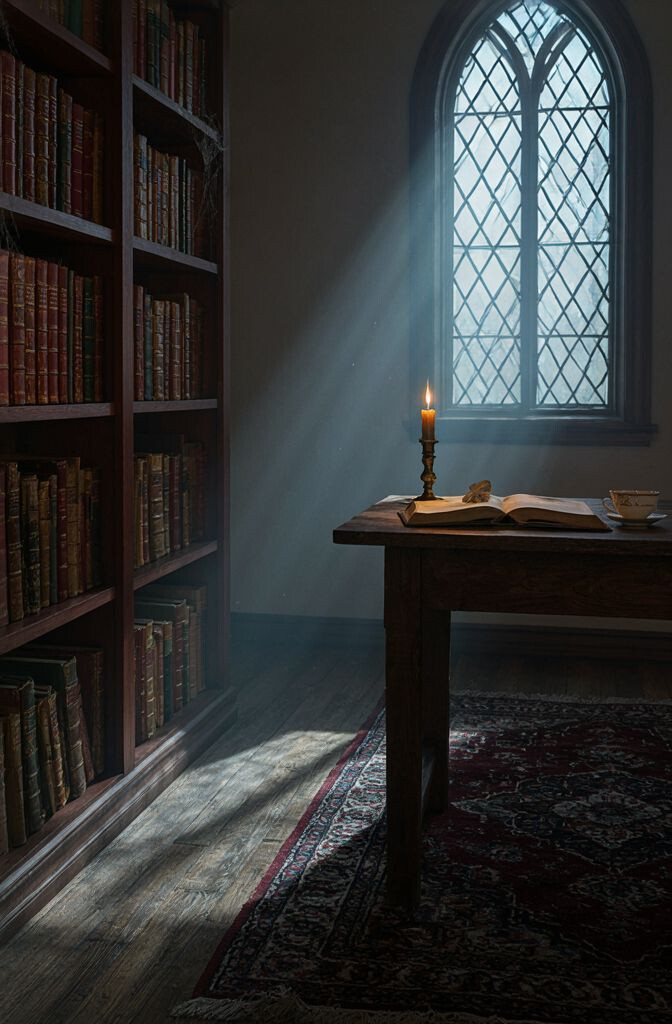
Imagine aged paper textures, faint ink doodles, and curled page corners like an old spellbook. The warm browns and muted grays look great on AMOLED screens.
This design is calming and stylish, especially if you love reading vibes. Look for wallpapers with soft edges so icons don’t feel glued onto rough textures. A practical tip is to test the image with light and dark mode because contrast can shift.
What makes it unique is the subtle story feel inside the background pattern. Try adding a translucent overlay in a dark tint so text widgets stay crisp. You can often find these as downloadable “paper texture” sets and then pair them with a Halloween label graphic.
For trend awareness, vintage textures are making a comeback alongside “cozy spooky” aesthetics. If you want it extra personal, crop the page so a key motif sits behind your most-used app.
4. Jack-o’-Lantern Glow Gradient
Go for a smooth gradient that suggests carved pumpkin light, from deep orange to warm amber. The glow feels playful and still feels sleek on modern screens.
This option is great when you want something festive but not cluttered. Choose a wallpaper with a darker outer edge so your icons and dock area remain sharp. If you’re customizing, try placing a dim blur effect over the brightest part.
5. Black Cat Stargazer Night
Picture a cute black cat silhouette peeking through a starry sky, with tiny sparkles scattered like confetti. It’s sweet, spooky, and instantly recognizable.
Its benefit is emotional balance: it’s Halloween-themed without being scary. Select a design where the cat is toward one side so the center stays clean for widgets. When you personalize, pair it with cat-themed app icons or a themed lock screen photo.
To keep costs low, search for “cat silhouette astronomy” wallpapers that are often free. This style is popular because starry backgrounds look great on high-resolution displays. A practical tip is to check how it looks with your wallpaper dimming setting.
6. Cracked Earth Underworld Texture
Think of dark cracked ground with faint glowing lines like lava paths underneath. The texture gives your device a dramatic, underground feel.
This aesthetic benefits you if you like bold visuals and strong contrast. Choose a wallpaper where the cracks don’t cover the center so your home screen remains readable. For uniqueness, look for subtle ember specks scattered lightly across the image.
7. Spooky Neon Sign Vibes
Picture Halloween phrases like “BOO” or a haunted house symbol in neon, glowing on a dark background. The colors feel energetic and modern.
The benefit is that neon wallpapers often look fantastic on both day and night modes. Keep an eye on where the brightest letters sit so icons don’t hide behind them. For personalization, swap the wording by layering your own text in a matching color.
Cost-wise, you can create this look with simple design apps using free fonts and icons. Current trends favor neon, especially the “retro night city” mood mixed with Halloween elements.
8. Ghostly Train Car Shadows
Imagine a spooky ghost passing through an old window, like you’re watching a haunted train at midnight. The scene feels cinematic and a little nostalgic.
This wallpaper stands out because it adds depth and motion-like lighting. Practical tip: use a version with darker edges and a soft center so your app icons look clean. If you love detailed art, zoom to see whether key shapes crowd your status bar area.
For personalization ideas, pair the wallpaper with a matching sound theme or a themed lock screen widget. You can also crop the scene so the “window frame” becomes a natural border for your home icons. When it comes to cost, many creators release free preview versions you can upscale carefully.
Keep it current by choosing a modern art style—either semi-realistic or illustrated—rather than overly old-fashioned gradients. This helps it look fresh across newer devices.
9. Witch Hat Pattern Repeat
This design uses repeating witch hats in a neat pattern, like wallpaper fabric for your screen. It’s playful and easy to recognize at a glance.
Its benefit is consistency: you get a Halloween theme that never feels cluttered. Look for a pattern with enough spacing so icons and folders don’t merge into the details. For uniqueness, choose a color palette like muted teal and black for a calm twist.
Practical tips: check the pattern scale so it doesn’t appear too tiny or too huge on your specific resolution. Personalize by placing a folder on the “empty” sections you’d like to stand out. Free resources are common because repeating icon patterns are popular.
This style remains trending because it feels cozy and aesthetic for people who love backgrounds that don’t steal attention from apps.
10. Spooky Fog Over Cemetery Silhouettes
Picture pale fog rolling across a cemetery, with distant gravestones fading into mist. The cool tones make it feel eerie but calm.
This wallpaper benefits your readability when you choose a scene with a soft, hazy center. A practical tip is to pick a background where gravestones sit in the lower portion so the upper widget area stays airy. To personalize, try a version with a faint moon glow behind the fog layer.
11. Pumpkin Patch Watercolor Wash
Use watercolor pumpkins in gentle oranges and soft browns, like a cozy fall painting. The texture makes your device feel warm and artistic.
This is unique because it avoids harsh edges, creating a softer Halloween mood. It also benefits readability if you choose a lighter background for the center where icons rest. Consider a wallpaper with subtle paper grain so everything feels handcrafted.
For practical tips, export at the correct aspect ratio to prevent cropping off important shapes. Personalization can be as simple as matching your case color to the palette—cream, tan, or matte black works well. Many watercolor packs are free or low-cost, especially during seasonal art drops.
As a trend, watercolor continues to feel modern because it pairs well with minimalist homescreen layouts. If you want a stronger Halloween vibe, pick a slightly darker orange wash rather than bright neon.
12. Haunted House Minimal Line Art
Line art of a haunted house, drawn with thin strokes and lots of breathing room, feels clean and stylish. It’s spooky without heavy shading.
This aesthetic benefits you if you like a minimalist look where icons stay easy to spot. Choose a design where the lines are not too close to the center icons or widget clocks. For personalization, you can add a colored backdrop behind the line art, like deep purple or midnight blue.
Cost considerations are friendly here because line art wallpapers are widely shared and often require no premium download. The current trend is “simple Halloween” that blends with everyday aesthetics. A practical tip is to test the wallpaper on both lock screen and home screen to see contrast.
13. Spiderweb Corner Frame
Look for a wallpaper that places a spiderweb in one corner like a decorative frame. The rest of the background can be dark, solid, or softly textured.
This design is unique because the web becomes an accent, not a full-screen distraction. It benefits readability since the center remains mostly clean for icons. To personalize, pick a web style—tiny and delicate or thick and dramatic—and match it with a matching dark theme.
Practical tips include choosing a wallpaper with consistent contrast behind your dock and notification area. If you want to keep costs low, search for “corner spiderweb wallpaper” because many are downloadable for free. Trends favor corner accents because they look intentional and modern.
For a final touch, use your device’s blur wallpaper option so the web stays crisp while the background softens.
14. Bat Swarm Silhouette Over Moon
Picture a bright moon with bats circling around it in a bold, black silhouette. The scene feels iconic and instantly Halloween.
This wallpaper benefits your layout because the silhouette is concentrated near the top or sides, leaving the center clearer. Choose one with a gentle sky gradient so it doesn’t look flat behind your icons. Personalize by pairing it with a moon-themed lock screen and a matching dark widget color.
15. Witch’s Potion Bottles and Herbs
Think of potion bottles with floating bubbles, herbs, and tiny labels, drawn in a cozy, magical style. The colors can be deep green, amber, and violet.
This aesthetic is unique because it adds a “mini world” feel to your screen. It benefits you when the bottles cluster away from key icon zones, keeping your home screen easy to navigate. For practical tips, look for high-resolution images so text labels stay sharp when zoomed.
Cost considerations are flexible since many bottle illustrations come from free art packs. Current trends love “fantasy apothecary” visuals, which feel more whimsical than scary. If you want personalization, add a label that matches your favorite nickname or your device’s theme.
To make it even better, choose a wallpaper with a darker base so your app icons don’t blend into bright bottle highlights.
16. Skull and Rose Romance Theme
Combine elegant skull art with dark roses for a gothic romantic look. The contrast of delicate petals against bold bone shapes feels striking.
This wallpaper benefits you if you want Halloween style without childish candy vibes. Practical tip: pick a design where the skull sits off-center and the rose highlights don’t hit directly behind widget text. For personalization, choose a color palette that matches your current theme—black and burgundy, or black and silver.
17. Pumpkin Carving Photo-Real Glow
If you like realism, try a wallpaper that looks like an actual carved pumpkin glowing at night. The natural orange light gives a lifelike, cozy spook.
This is unique because it brings texture you can almost feel, from pumpkin skin to candle-like glow. It benefits readability only if the image keeps the center darker, so icons stay visible. Practical tips include using a version with soft blur in the background so the face details don’t fight your app icons.
Cost considerations vary, but photo-real images are often included in free seasonal packs from photographers. Current trends lean toward warm, cinematic Halloween instead of flat graphic styles. Personalize by selecting a pumpkin design that matches your vibe—classic smile, spooky grin, or minimalist geometric cuts.
18. Celestial Halloween: Planets and Stars
Mix Halloween with astronomy: spooky moons, tiny planets, and stars arranged in a clean pattern. It feels futuristic while still celebrating the season.
This aesthetic benefits you because star fields tend to look great behind icons at many brightness levels. For uniqueness, choose “spaced-out” symbols like tiny bats as silhouettes between stars. Practical tips include checking whether bright planets overlap your status bar and clock.
To personalize, set your lock screen to a version with the moon positioned where your face widgets would look best. Cost can be low because many astronomy wallpapers are free, and you can layer a small Halloween icon pack on top. Trends show that celestial themes stay popular year-round, which helps your wallpaper feel less temporary.
19. Halloween Party Confetti Chaos
Imagine spooky confetti—tiny bats, moons, and tiny pumpkins—falling across a dark background. The mood is fun, energetic, and great for people who love playful Halloween.
This design benefits you by creating visual interest without needing a complicated scene. Practical tip: choose a wallpaper where the densest confetti stays toward the edges so icons remain readable in the center. Personalization ideas include matching the confetti colors to your case or your theme accent color.
Cost considerations are usually simple since many party-style wallpapers are shared widely. Current trends favor bold, high-contrast colors paired with subtle textures. If you want a calmer version, pick a confetti wallpaper with fewer pieces and more negative space.
20. Vintage Crows on a Branch
Set your screen with black crows perched on bare branches, framed by an inky sky. It feels elegant and a little dramatic.
This aesthetic benefits you because dark nature scenes often create strong contrast for icons. Practical tip: select a composition where the branch lines don’t cross your most-used app icons. For personalization, choose a version with either a faint moon glow or a misty background for different moods.
21. Teal and Purple Occult Symbols
Use a wallpaper featuring occult-inspired symbols, like simple geometric sigils, in teal and purple tones. The look feels modern and artsy rather than overly scary.
This is unique because it turns Halloween into a design-forward theme that can fit many styles. It benefits readability when the symbols are spaced out and the background is a smooth gradient. For practical tips, test brightness settings because neon-like colors can be intense on some screens.
Cost considerations are good since symbol-based wallpapers are common in free design galleries. Trends right now show strong interest in “witchy modern” aesthetics, especially with clean shapes. Personalize by choosing one consistent symbol and placing a matching widget color so your whole screen feels coordinated.
22. Autumn Witchy Window Scene
Picture a cozy window at night with autumn leaves outside and a hint of magic inside. The scene feels warm, not terrifying, and it’s great for late-night scrolling.
This aesthetic benefits you because warm tones reduce eye strain compared to very dark, high-contrast scenes. Practical tip: choose a wallpaper with darker foreground edges so your icons stay readable in the middle area. For personalization, adjust your icon theme to match the window glow and add a matching lock screen photo with a similar color temperature.